

How does API integration connect your software?
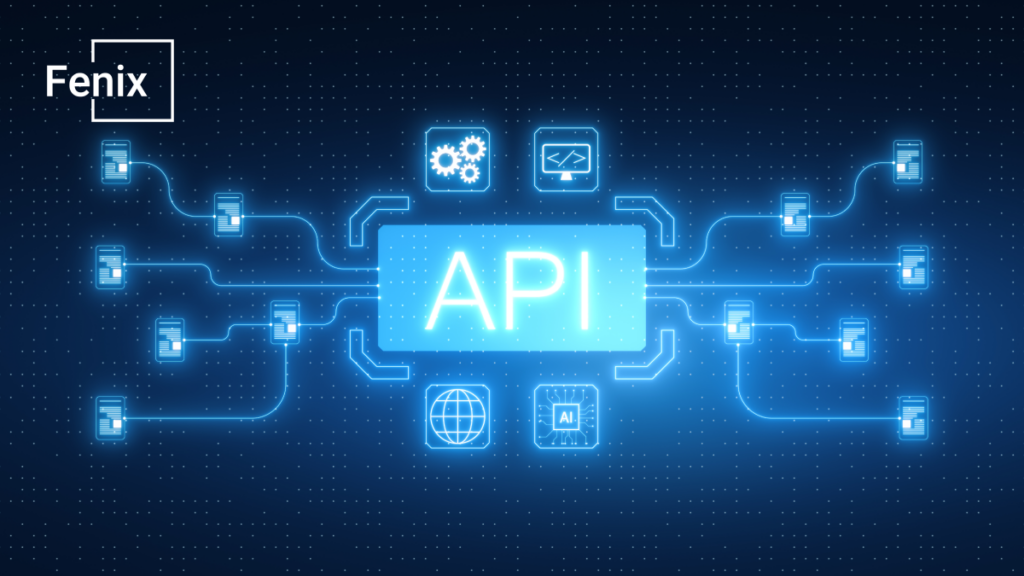
One website registration can lead to several tasks: creating a student record, recording payment and granting learning access. If information is re-entered in each application, staff spend time both entering it and reconciling differences.
To reduce repeated entry, the applications need a way to exchange information that both understand. An API provides a defined communication mechanism. API integration uses it to exchange data or ask an application to perform an action. The scope depends on the APIs each system provides and how the connection is implemented.
1. Understand APIs through a course registration
In a hypothetical example, after registration is confirmed, a website sends the necessary information to training software. The receiving system checks the data, creates a record and returns a result under agreed rules. This flow needs designing; it does not happen automatically because both applications offer APIs.
Both sides must agree on required information, structure and meaning. “Course ID,” “class ID” and “lesson-package ID” may represent different concepts. Matching column names without understanding the business can produce a successful transfer that records the wrong information.
A successful response also needs interpretation. Some systems acknowledge receipt before processing the request. “Received” does not necessarily mean that the student has been assigned a class or granted access.
An integration diagram should therefore show the sending system, receiving system, data and intended business outcome. Business owners should help confirm these, even if they do not write the integration code.
2. What work can an API support?
Connections can transfer customer information, update payment statuses, check remaining capacity or trigger notifications. Actual benefits depend on the process, data quality and what the systems permit.
Not every application offers a suitable API. A service may allow only reading, limit request volumes or require a different subscription plan. An older system may need a new interface, if that is feasible.
APIs are not the only integration method. Scheduled file exchange may meet some needs; other work may require a different mechanism. Choose according to required freshness, business impact and technical conditions.
For example, data for an end-of-day report need not update every second. Checking capacity before confirming registration may require a different approach to limit overbooking.
3. Five things to agree before integration
A connection can transfer data successfully without supporting the work as intended. Registration details might arrive, for example, while it remains unclear which system confirms payment, or staff cannot explain why a record appears twice. Before implementation, business owners and the technical team should work through the following five points together.
Which data should be treated as authoritative?
When information exists in several applications, both sides need to know which source to use for updates. If a student’s phone number changes on both the website and the training application, which change takes precedence, and should it be sent to the other system? Without agreement, older information could overwrite a newer update.
One application need not be the primary source for every type of data. The website might manage registrations, the training software might manage classes, and the payment system might confirm payment status. What matters is defining each system’s role and how discrepancies will be resolved.
When does the information need to be available?
“Automatic synchronization” does not explain whether data moves immediately after a change, on a schedule or when a user requests it. Each approach serves different needs, so describe timing in terms of the actual work.
For course registration, a student record may need to exist before learning access is granted. Agree on an acceptable delay and the status shown while processing continues. Staff can then distinguish work in progress from something needing investigation, rather than creating another record simply because one is not yet visible.
How will the same student or transaction be recognized?
Once data and timing are clear, the systems need a reliable way to connect corresponding records. A name or email address alone may be insufficient because details can be shared or changed. Agree on identifiers for students, registrations and transactions, and how they correspond across systems.
This also matters when a connection is interrupted. If a request is sent again, the receiving system needs to recognize it as the earlier request rather than create an additional record or registration. Design and test this behavior before duplicates occur.
What may the connection view and change?
Once the required data exchange is understood, limit access to that work. A connection updating registration status should not automatically have permission to view every record or change all system settings. The business should identify permitted data and actions; technical staff can determine suitable authentication and controls.
Assign responsibility for connection credentials, including how they will be changed or revoked when no longer needed. Specific measures should reflect the system and the sensitivity of its data. Resolve unclear permissions during requirements analysis.
What is requirements analysis? The first step towards clearer development
Who monitors and maintains the connection?
The work does not end with the first successful transfer. Providers may change API versions, usage limits or authentication methods, requiring an existing flow to be updated. Identify who follows these changes and what post-launch support includes.
Also agree who receives failed-transfer alerts, who investigates and when to contact the other party. Without a clear owner, individual applications may continue working while information between them goes missing. Establishing responsibilities gives users a contact when work stops at the connection.
4. How does work continue when the connection fails?
Consider a learner who has paid but whose record has not been created. The system needs a trail identifying the transaction, the processing stage where it stopped and the next action.
Depending on the case, it may retry automatically, place the item in a queue or hand it to a person. Do not retry every error the same way; invalid data usually needs correction first.
Staff also need a temporary procedure that will not create duplicates when the connection recovers. Manual entries need marking and reconciliation.
Test failure scenarios alongside the normal path. One successful data transfer is not enough to assess operational readiness.
5. Evaluate a connection before expanding
Start with one flow, such as creating a record after registration is confirmed. Test complete and missing data, repeated submissions, incorrect permissions and a temporarily unavailable recipient.
Check the business outcome: the correct student, class and status, without unexpected records. Alongside transfer success rates, examine waiting time and exception-handling effort.
If the main need is sharing data across tools, investigating integrations may avoid unnecessary full replacement. Conversely, integration cannot compensate for every limitation of unsuitable software.
Improve your legacy system or replace it?
Before asking to “connect two applications,” describe one flow: what information moves, when it moves and what the user must do next. An application list and existing API documentation help the technical team assess feasibility.