

What does software maintenance actually cover?

Fixing a post-release defect, updating a library and adding a new service type are three different jobs. An agreement saying only “maintenance included” may leave a business unsure what is covered and who will handle it.
In a hypothetical booking system, a display error occurs, the email service changes its authentication method and sales wants a new booking rule. These need classification and assessment rather than being placed in one bug list.
To know whom to contact and what resources to prepare, compare support scope with the system in use and the specific agreement. The work groups below help define needs when planning maintenance.
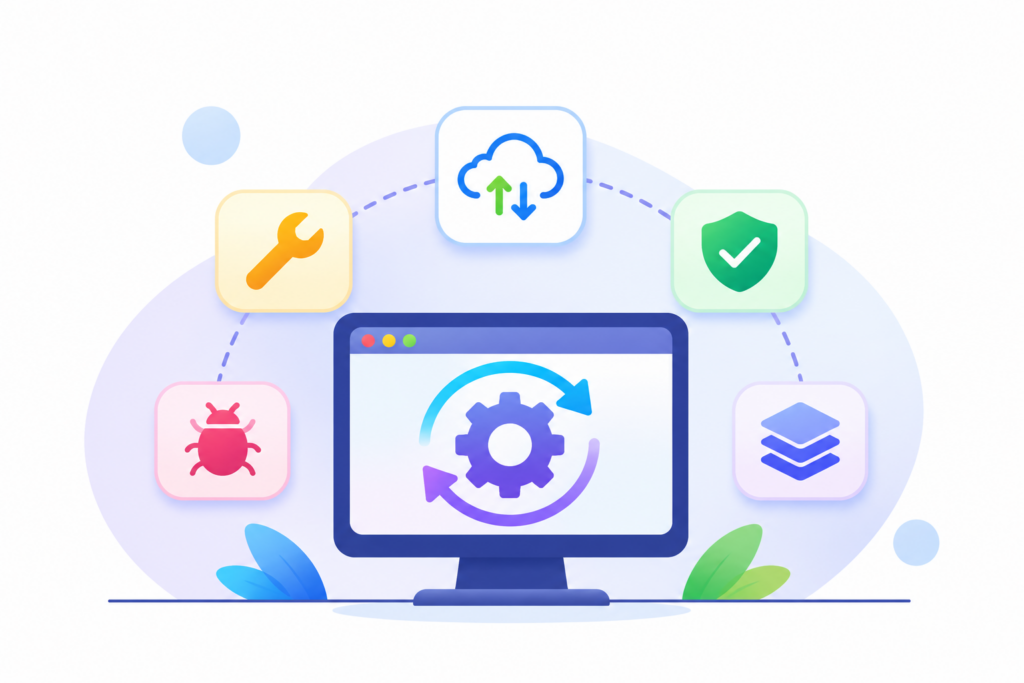
1. Distinguish post-release work
Correcting departures from agreed requirements
For example, a booking displays the wrong time zone despite a clear requirement. The responsible team needs to investigate the cause, determine a fix and retest related behavior.
Compare the version, data and conditions in which the problem occurs. Not every report is caused by application code; configuration, inputs or external services may be involved.
Adapting to environmental changes
Libraries, browsers, operating systems and integrated services change over time. Assess which changes affect the system and when action is needed.
NIST SP 800-40 describes patch management as including identification, prioritization, installation and verification of updates. For a particular system, assess risk and compatibility and perform suitable checks before putting changes into use.
Improving usability and operations
Needs may arise for clearer messages, optimized queries or better monitoring. These are not necessarily defect fixes or substantial new features.
Describe the intended outcome and assess the impact. A short interface change can still involve multiple roles or datasets.
Developing for new needs
If a business adds a service type and wants different booking rules, this may be additional development. Analyze, estimate and confirm scope through the agreed process.
Do not assume all post-release needs are included in maintenance. Equally, do not classify every user request as an extra before checking the basis.
2. The boundaries of warranty, maintenance and additional development
These terms can mean different things in different contracts. Read the specific conditions rather than relying on labels.
Warranty is often described in relation to defined deviations within a specified scope and period. Maintenance may include recurring activities or support during use. Additional development addresses approved new or changed requirements.
For example, a booking defect under specified conditions may fall within committed support. Booking for a service type that did not previously exist needs separate assessment.
State the support start date, duration, conditions and exclusions. Consider these alongside deployment and operating costs when evaluating the project budget.
Five mistakes that make software development cost more than expected
3. What should happen during an incident?
Suppose customers cannot finish bookings. The person receiving the report needs a reporting channel, the information to collect and the name of the coordinator.
Initial information may include the time, affected scope, error message and an appropriately protected reference. Do not ask staff to send passwords or complete customer datasets in messages.
Priority should reflect actual impact. An error blocking all bookings differs from a layout issue on a little-used screen. However, agree severity levels and target times before an incident rather than inventing them during it.
Distinguish acknowledgement, temporary mitigation and resolution of the cause. A supplier confirming receipt does not mean the system has recovered.
While work continues, the business owner should explain any available alternative procedure. After recovery, check newly created data, pending transactions and manual entries to avoid omissions and duplicates.
4. What to agree in a support plan
First define covered assets: software, environments, connections and third-party services. For external services, identify the account owner and who may request support.
Then agree on support hours, channels and contacts. “Supporting a continuously running system” does not mean “every request is handled immediately at any time” without a corresponding commitment.
The third area is change management. Define how updates are tested, when deployment is approved and what happens if a change causes disruption. Critical systems may need different checks from small internal tools.
Also define monitoring: is investigation triggered by user reports, or is there proactive monitoring? If alerts exist, who receives them, during which hours and under what response procedure?
Finally, consider documentation and access. Support teams need appropriate permissions, change records and a revocation process when personnel or suppliers change. This concerns handover and operational governance, not merely bug fixing.
5. Review maintenance beyond defect counts
Resolved defect counts are useful, but also examine impact, downtime, recurring problems and preventive work.
Few reports may mean users do not know how to report issues, rather than a stable system. More requests after scope expands do not by themselves establish declining quality.
Regularly review changes in the business, technology and connected services. Adjust the maintenance plan to the system actually operating rather than retaining the same template for years.
A clear support plan answers three questions: who monitors, who acts and what establishes recovery? Revisit these answers as usage and related services change.