


How can AI chatbots help your business?

When customers are looking into a service, they often want a quick answer, whether they are checking opening hours, asking how to register or following up on a request. Staff cannot always respond straight away, especially when several enquiries arrive at once or someone gets in touch outside business hours.
AI chatbots can help with some of this work. Depending on how they are built, they can answer questions using information the business provides, ask follow-up questions or support specific tasks in a connected system. To make that support useful, the business needs to define what the chatbot should handle and what happens when someone on the team needs to step in.
1. What can an AI chatbot help with?
Answering common questions is one of the most straightforward uses. At a training provider, for example, customers might want to know which courses are available, where to register or what to prepare for their first session. With complete, up-to-date information to work from, a chatbot can help them find guidance without waiting for a member of staff.
Not every enquiry is that simple, though. If a customer writes, “I can’t log in,” the support team will usually need more detail before they know where to look. In this hypothetical example, the chatbot could gather the error message and ask when the problem occurred, giving the person who picks up the request a more useful starting point.
Those follow-up questions need to fit the task. Asking for too much information, or repeatedly asking irrelevant questions, can frustrate customers before they receive any help. The chatbot should also avoid requesting information it does not need, such as a customer’s password when investigating a login problem.
With the right system connections, a chatbot can also help carry out a task. In Fenix’s published event registration chatbot project, the tool helps staff create event records through conversation, including gathering, standardising and confirming details before saving them. It is an example of a chatbot supporting a defined workflow rather than only answering questions.
Whatever the scope, it is important to distinguish between giving guidance, recording a request and completing an action. Taking a request to reschedule an appointment, for instance, does not mean the new appointment has been confirmed.
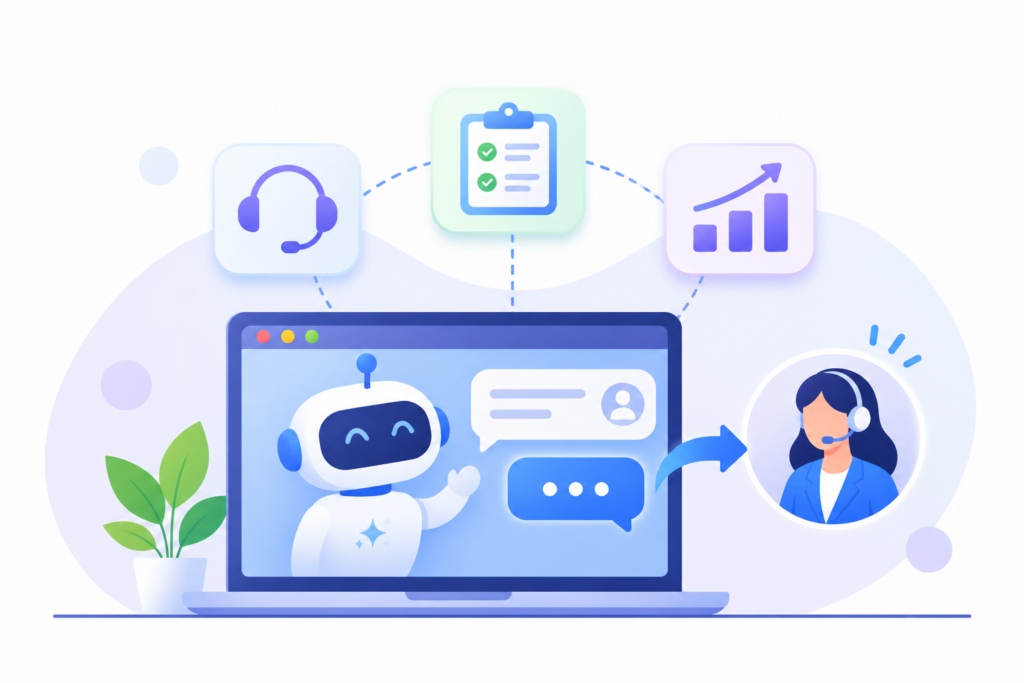
2. Where does the chatbot get its answers?
To answer questions about a particular business, a chatbot needs suitable sources. These might include website content, user guides, service policies or data from systems it is authorised to access.
The quality of those sources affects the answers customers receive. If a policy changes but an old guide remains in use, the chatbot may give outdated information. Before launch, the business therefore needs to decide who will keep the content current and how superseded material will be handled.
Access to source material does not eliminate errors. A chatbot can still retrieve incomplete information or produce an inaccurate answer. Connecting it to documents can provide a stronger basis for its responses, but it does not guarantee that every enquiry will be handled correctly.
The customer’s wording matters too. A question such as “Can I change my booking?” may require the chatbot to establish which booking the customer means, when it is due and which conditions apply. An immediate answer based on a general policy could leave the customer with the wrong impression about their own situation.
The chatbot should therefore be able to ask for clarification or explain when it does not have enough information. That also helps establish when the conversation should move to a member of staff.
3. When should a team member take over?
Some requests need specialist knowledge or a decision from an authorised person, even after the chatbot has gathered the initial details. A chatbot might explain a published refund policy, for example, while a request for an exception needs someone to review the individual circumstances.
It is worth agreeing how the following situations will be handled before the chatbot goes live:
| Situation | Suggested approach |
|---|---|
| The chatbot cannot find enough information to answer | Explain the limitation and direct the customer to the appropriate support contact |
| The issue is still unclear after several explanations | Pass the conversation to a team member with the details already provided |
| The request requires a decision the chatbot is not authorised to make | Gather the necessary information and refer it to an authorised person |
| The customer asks to speak to someone | Offer a contact channel or transfer the conversation through the established process |
| A system connection fails and an action cannot be completed | Explain the actual status and what the customer should do next |
These are starting points for designing the process, rather than a fixed list for every business. The right handoff conditions depend on the service, the consequences of a mistake and the support the team can actually provide.
The handoff also needs a working destination. If a chatbot says it is connecting the customer to a team member but no receiving channel has been set up, the customer is left wondering whether to wait or make contact again. Microsoft’s documentation distinguishes between transferring a conversation to a live agent and providing instructions for contacting support; each needs to be configured for the deployment.
4. How can you avoid making customers repeat themselves?
After explaining a problem to a chatbot, customers generally expect the person who takes over to have that information. Having to start again can make the support experience more frustrating rather than more convenient.
When designing the handoff, consider what the receiving team member will see. Depending on the task, that may include the issue, details the customer has supplied, guidance already given and the outcome of any actions attempted.
If AI generates a summary, staff should be able to refer to the conversation when they need to check it. The information shared must also be appropriate to the recipient’s role and access permissions.
Out-of-hours handling needs attention as well. If no one is available, the chatbot can record the request and explain how the business will follow up. Its message should reflect the support available, without promising a response time the team cannot meet.
A useful handoff therefore depends on both the conversation customers see and the way work is assigned behind the scenes.
5. Where should your business start?
Rather than trying to cover every possible enquiry, start with a clearly defined group of needs, such as registration guidance or one type of support request. The scope should make it clear what the chatbot may do, which information it uses and who receives requests it cannot resolve.
Testing should include common questions as well as incomplete requests, out-of-scope questions and requests to speak to a person. If the chatbot performs actions in another system, test failures too, so you know what the customer will be told when an action does not go through.
Evaluation should go beyond conversation counts. Check whether answers are correct, whether people complete what they came to do and where staff still need to ask questions or correct information. Those observations will help identify what to keep, what to change and where it makes sense to expand.
How to measure software value after implementation
For a business considering a chatbot, a useful first step is to collect recurring questions and the requests that take up the team’s time. Those examples can give Fenix and the business a practical basis for discussing the chatbot’s scope, information sources and system connections.