


How to back up and recover business data

A “backup successful” message confirms that a task has finished, but does not prove that the business can resume work after an incident. The copy may lack attachments, be incompatible with the current software version or sit in an account the responsible person can no longer access.
Backup arrangements need a recovery plan: what data to recover, which copy to use, who will do the work and how to check the system before returning it to service. A hypothetical order-management system illustrates what a business should agree with its developers or operations provider.
1. Identify what needs to be backed up
Start with the work that must continue after an incident. In an order system, staff need to open orders, see what customers bought, access supporting files and confirm payment status. Recovering the order list without the documents may still leave them unable to work.
Work with the technical owner to list what the system needs: its database, file storage, connection settings and a compatible software version. Credentials and decryption keys also need to be managed so authorized people can use them when required. The same backup method need not cover everything, but each component needs a clear recovery route.
Distinguish backups from synchronization. If an accidental deletion is synchronized elsewhere, that synchronized copy may not let you recover the file. Likewise, a running standby system does not automatically let you return to a point before data was incorrectly changed. Ask which incidents the current arrangement can recover from and whether earlier versions are retained.
2. Agree how much data to recover and how quickly
Answer two separate questions: how much recent data could the business tolerate losing, expressed as a period of time; and how quickly must the system be available again? One concerns the data that must be preserved, the other the interruption to service. Together, these objectives guide the backup and recovery approach.
The required recovery point is called the recovery point objective, or RPO. Suppose the latest usable backup was made at midnight and an incident occurs at 3 p.m. Orders received after midnight are not in that copy. Without another recovery source, the missing records must be reconciled and re-entered. This illustrates a data gap; it is not a recommended loss allowance for every system.
The target for restoring availability is the recovery time objective, or RTO. Specify which system or service must be available within that time. Copying data back is not the same as completing recovery: rebuilding the environment, reconnecting services and validating data may still be needed before staff can process orders again.
Set the objectives around the effect on the business. A system receiving orders continuously may need different protection from a report that can be regenerated from source data. Preserving more recent data or restoring service faster can change costs and operational work, so discuss these requirements with the provider rather than specifying only a daily backup.
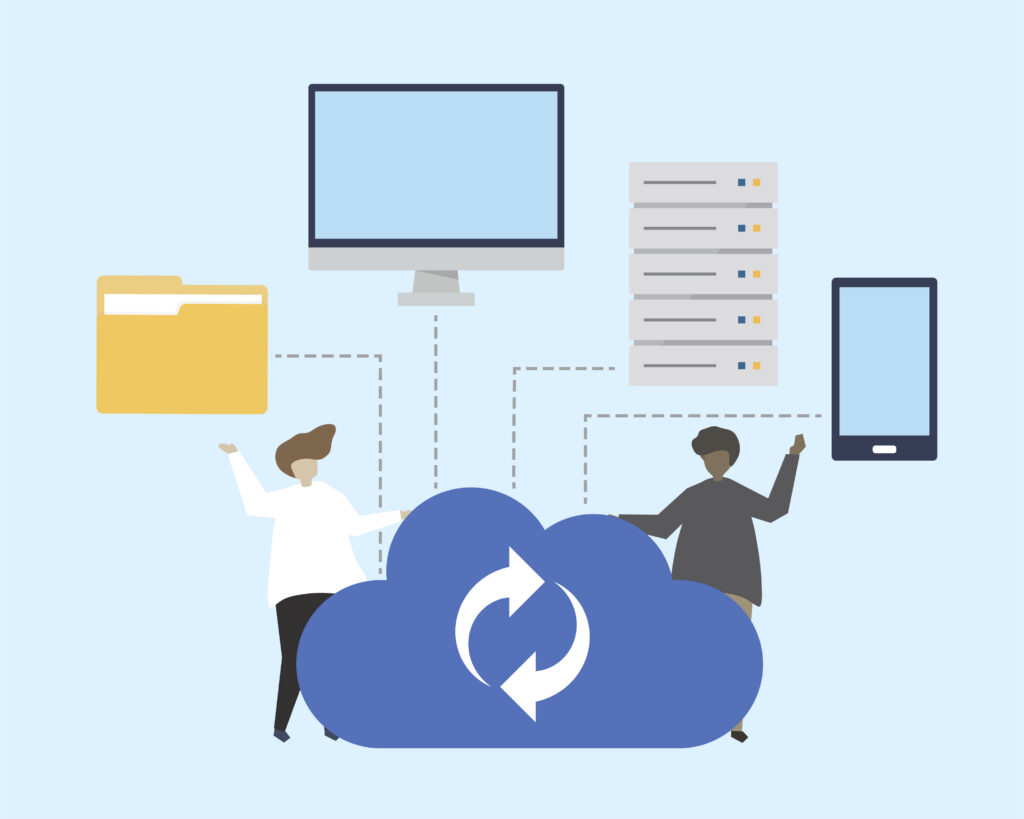
Recovery capability should be defined alongside features because it affects how the system supports work after an incident. The following article explains the broader operating requirements to agree.
3. Protect the backups and prepare the recovery team
The backup must remain usable when the main system fails. If live data and its copy share a location and one account can delete both, a storage failure or account compromise may affect them together. Depending on the risks, the technical team should consider separate storage, copies protected against alteration for a set period or other suitable safeguards.
Backups may contain customer details and documents, so restrict who can view, retrieve or delete them. If they are encrypted, manage the decryption keys securely while ensuring they are available for recovery. These decisions belong with the wider access and data-protection requirements.
Software security: What should you ask first?
The recovery plan should name who authorizes the work, who performs it and who confirms that the data is sufficient to resume business. Technical staff may confirm that the application runs, while business users check orders, files and payment status. Neither check replaces the other.
The assigned team needs recovery instructions and the necessary access, not just a place on the contact list. When operations change hands or a contract ends, hand over access to copies, required tools and support arrangements so the incoming team can carry out recovery.
4. Test recovery through real business tasks
A practical check is to rehearse recovery for a chosen incident, such as accidental deletion or unavailable primary storage. Before starting, agree on the backup to use, the recovery environment, the participants and the required checks. Use an appropriate environment and safeguards so the test does not overwrite live data.
Have the assigned operator follow the instructions to expose missing steps. Record the start, wait for access or support, when the application runs and when business users confirm it is usable. Measuring only the data-copying step does not show the full work needed to return the system to service.
Then check representative orders: can staff open the details and attachments, do related records agree, and can processing continue? If data is restored only to midnight, use an authorized source to identify later orders. Any re-entry process must avoid duplicate orders or double-recorded payments.
Record what was tested, how long it took, the data recovered and the remaining limitations. Assign fixes for missing keys, incomplete instructions or slow validation, then retest the affected steps. One successful restoration in a test environment does not establish readiness for every kind of incident.
After the exercise, include backup monitoring, failed-job alerts and repeat recovery checks in the operating plan. Review the plan when file storage, data structures or services change. If an external provider is involved, agree which work its support covers and which remains the business’s responsibility.
What does software maintenance actually cover?
If your only evidence is a backup notification and restoration has never been tested, start with a clearly scoped recovery check. Discuss your current system, critical tasks and backup arrangements with Fenix to identify gaps in the recovery plan.