


How to check AI document extraction results

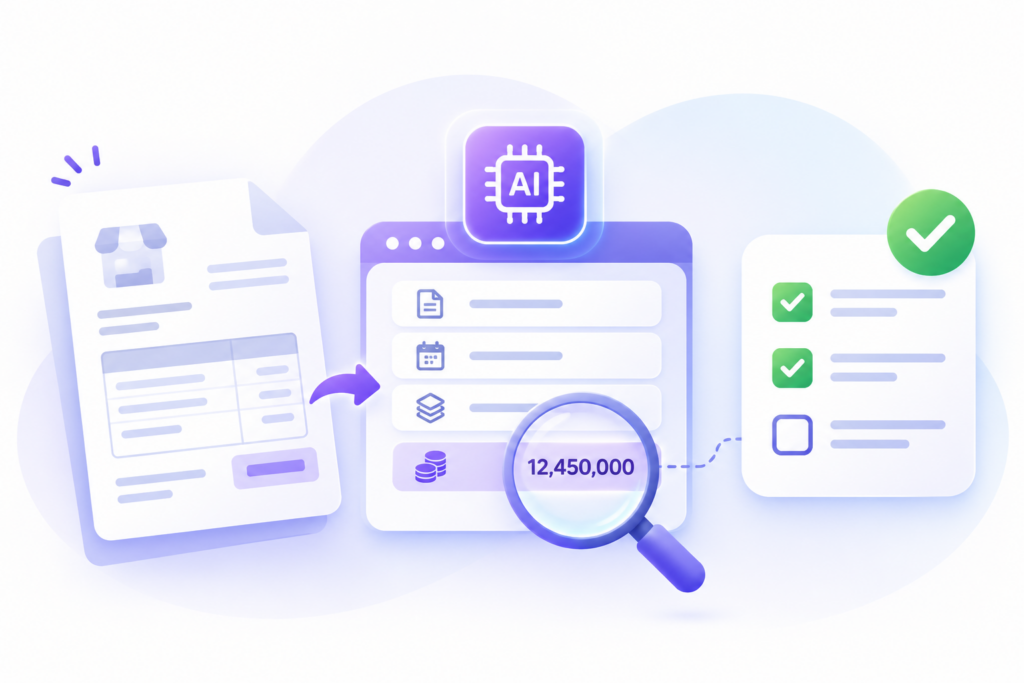
AI document processing can turn invoices or forms into structured data. Recognizing characters and selecting the correct information are different tasks. An invoice may be transcribed correctly while its subtotal is mistaken for the amount payable.
This article uses hypothetical invoices to explain verification. The aim is not a universal accuracy target, but evidence of usable data, errors that must be caught and remaining human review.
1. Define the information to extract
List fields needed downstream: supplier, invoice number, date, currency, payable total and line items where needed. Business owners define each field and correct representation. A date may mean issue or due date; unresolved meaning gives the tool and reviewer different targets.
Define absent and unreadable information. A blank source field differs from a missed extraction. Do not insert zero or guess merely to fill cells; a plausible zero may pass downstream without anyone knowing information is missing.
Have knowledgeable reviewers establish expected values from originals, including difficult cases. Resolve disagreement before scoring. Using AI output as its own reference does not establish correctness for the business need.
Prepare scan quality, versions and usage permissions before evaluating outputs. How to prepare your business data for AI helps identify suitable sources and avoid conclusions based on incomplete or unverified inputs.
2. Compare the output with the original
Use representative inputs: text PDFs, photos, skewed scans, multiple pages or long tables where common. Clean examples alone miss everyday difficulties. Record group counts and limits; do not extend conclusions to untested types.
Separate tuning documents from unseen evaluation documents. After a fix, test similar new cases and previously correct ones. This checks whether the improvement generalizes beyond the edited example and avoids regressions.
Compare values, fields and line associations. Quantities and prices must match the right items. A matching grand total does not prove every line correct. Arithmetic checks help detect discrepancies but cannot establish supplier or bank-account identity.
Classify errors as unreadable text, wrong field, wrong row or unsupported invented values. These need different remedies. One generic AI error category obscures whether to improve inputs, extraction rules or permitted scope.
3. Check what an accuracy figure hides
In a wholly hypothetical calculation, 100 invoices with five fields yield 490 correct fields out of 500: 98%. If the ten errors affect ten invoices, only 90 invoices have all five fields correct. Errors concentrated in payable totals make the aggregate especially misleading.
Report critical-field performance, usable documents and errors escaping review separately, with denominators and scoring rules. Compare tools on equivalent data and rules, not percentages from unrelated trials.
Confidence can help route review but is not a guarantee for each result. Test thresholds on actual documents for missed critical errors and unnecessary review. Do not reuse a provider’s example threshold across every source.
4. Use extracted data in a controlled workflow
Provide routes for unreadable documents, missing fields and conflicts. Reviewers need originals, correction context and outcomes: accept, correct or request resubmission. Failed files must not disappear so only easy results remain visible.
An extraction reviewer does not necessarily need access to all documents or payment approval. How to assign the right user permissions helps separate viewing, correction and business authorization.
For consequential actions such as payment, automation must follow risk and evidence. A populated table is not authorization to execute. Define mandatory review, rejection rights and continuity when the tool stops.
Measure end-to-end effort: preparation, processing, review, correction and exceptions. Less typing with more reconciliation may call for a revised scope. Retest important cases after source, layout or configuration changes.
These findings inform investment alongside cost and operational control. When is your AI pilot ready for everyday use? helps decide whether to expand, revise and retest, or stop an unsuitable scope.
Discuss an authorized document type and required fields with Fenix. A small scope with difficult cases is more informative than all documents without an agreed reference.